Get everyone on the same page.
Present PDF, PowerPoint, and Word documents live. Your audience joins from any device and sees exactly what you see: page, zoom, and scroll, in real time.
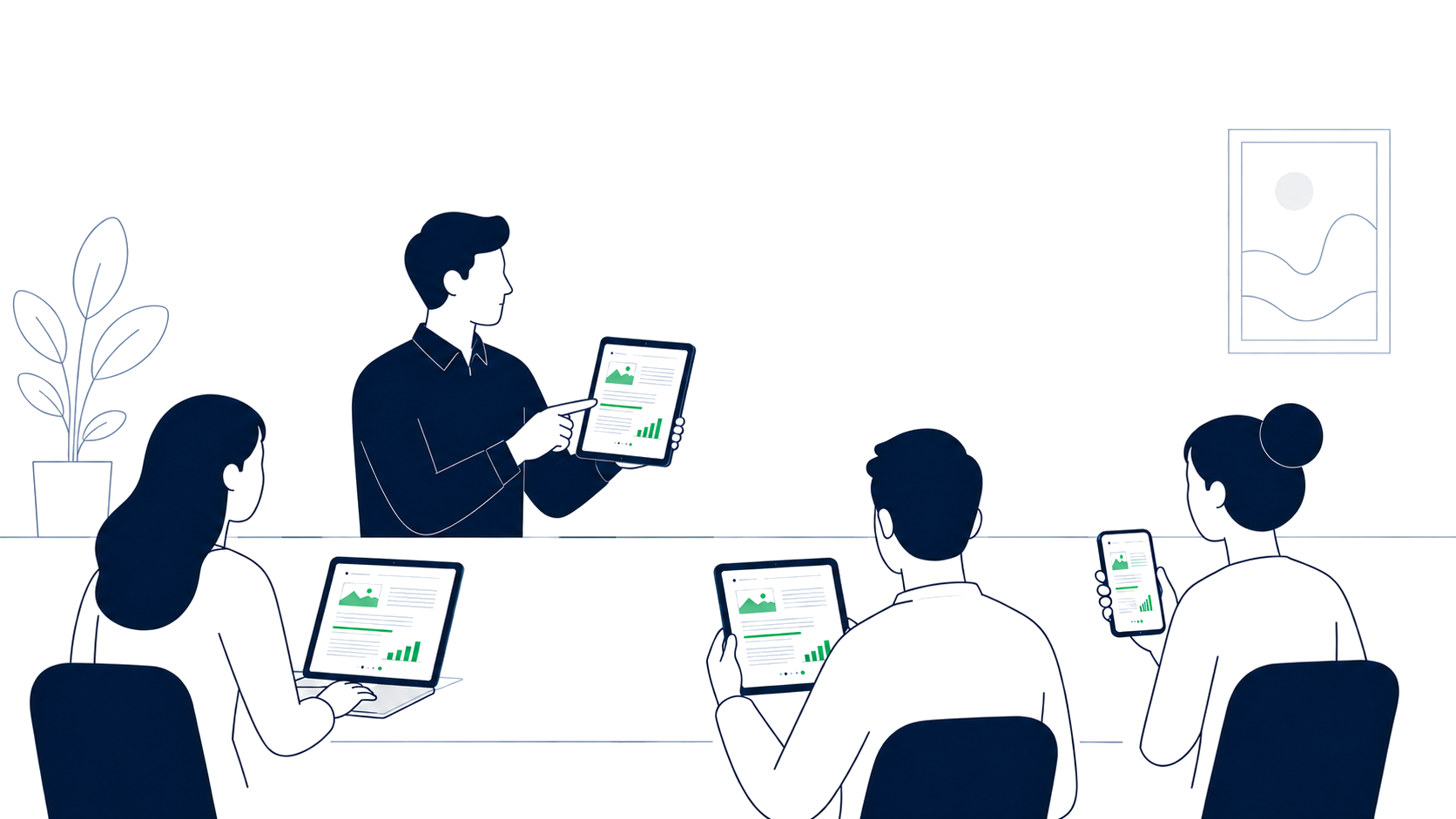
Three steps from upload to live audience.
Upload a document, share a link, present. The whole flow takes under a minute, even with a room of hundreds.
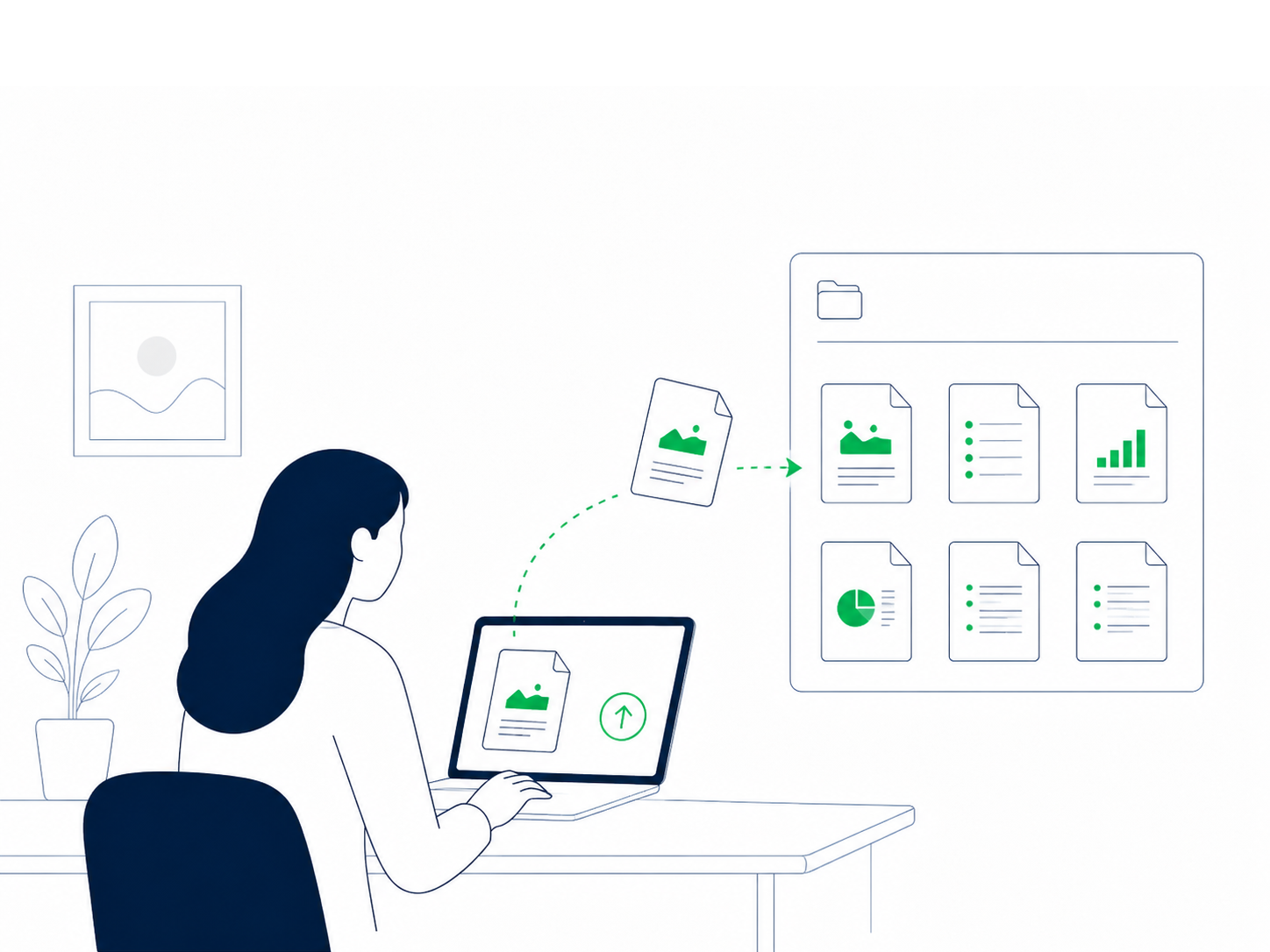
Upload your document
PDF, PowerPoint, or Word. Saved to your library, ready to present any time.
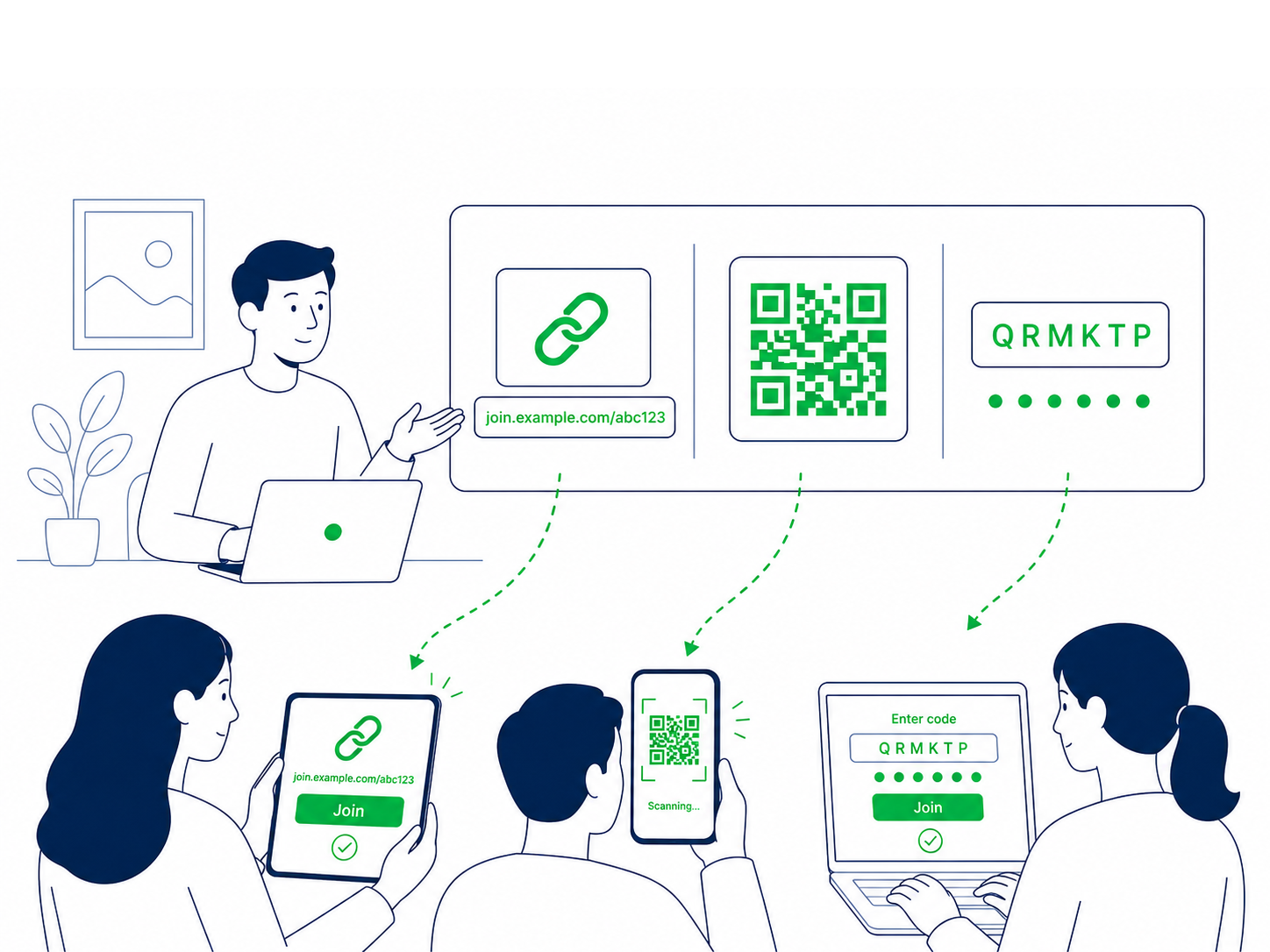
Share a link or QR
One scan, one tap. Viewers join from any browser. No account, no download.
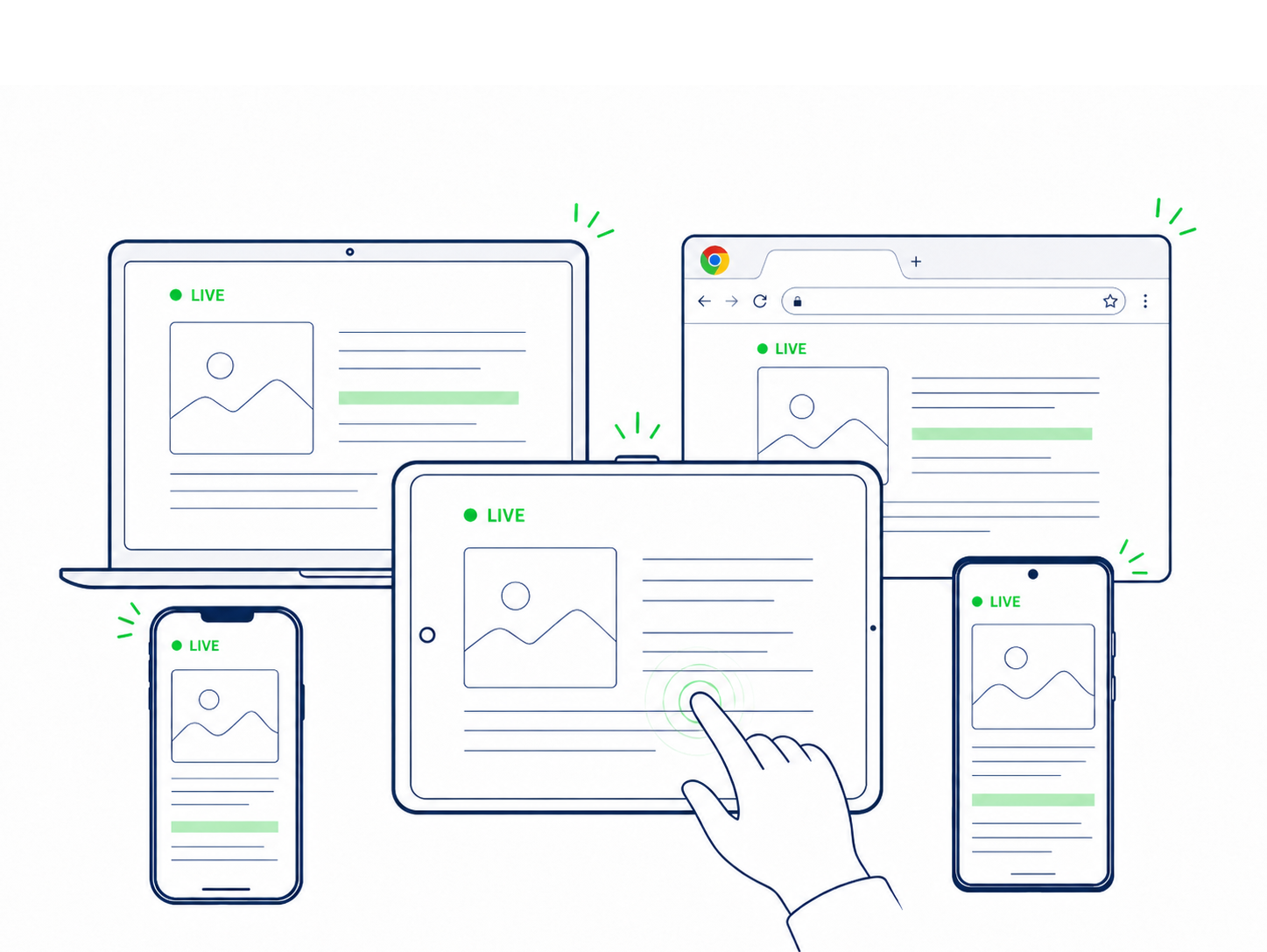
Everyone follows live
Every page turn, zoom and pan syncs in real time across every device, instantly.
Screen sharing is broken for presenting documents.
Same Page works alongside Zoom, Teams or Google Meet. Keep the video call running for faces and voices, and let Same Page handle the document.
Screen share over a video call.
- Compressed, pixelated text everyone has to squint at
- "Can you make that bigger?" on repeat
- Viewers stuck on the presenter's exact zoom and scroll
- Document and faces fight for the same screen
- Eats bandwidth. Drops on weak connections
- Requires Zoom / Teams / Meet on every viewer
- Tethered to a laptop. No walking the room
- Mobile and tablet viewers get the worst experience
- Document disappears when the call ends
Native document, on every device.
- Crisp, full-resolution rendering on each viewer's screen
- Every viewer can pinch-zoom independently, then snap back
- Page, zoom and scroll sync the moment you move
- Document on one screen, faces on the other
- Lightweight viewport sync. Works on patchy networks
- Viewers join from any browser. No install, no account
- Present from your phone. Walk the room while you talk
- Looks great on phone, tablet, laptop and projector
- Pause, resume, run the same session again any time
Wherever a room needs to read together.
Events
Programs, panels, workshops
Classrooms
Teachers & professors
Trainings
Manuals, procedures, SOPs
Congregations
Synchronized scripture
Study groups
Papers, textbooks, notes
Team reviews
Contracts, decks, reports
For audiences larger than the meeting room.
Same Page Pro is purchased in the app for self-serve sessions. Business and Enterprise are arranged directly for organizations that need large live audiences, configurable quality, and documents fully prepared before the session starts.
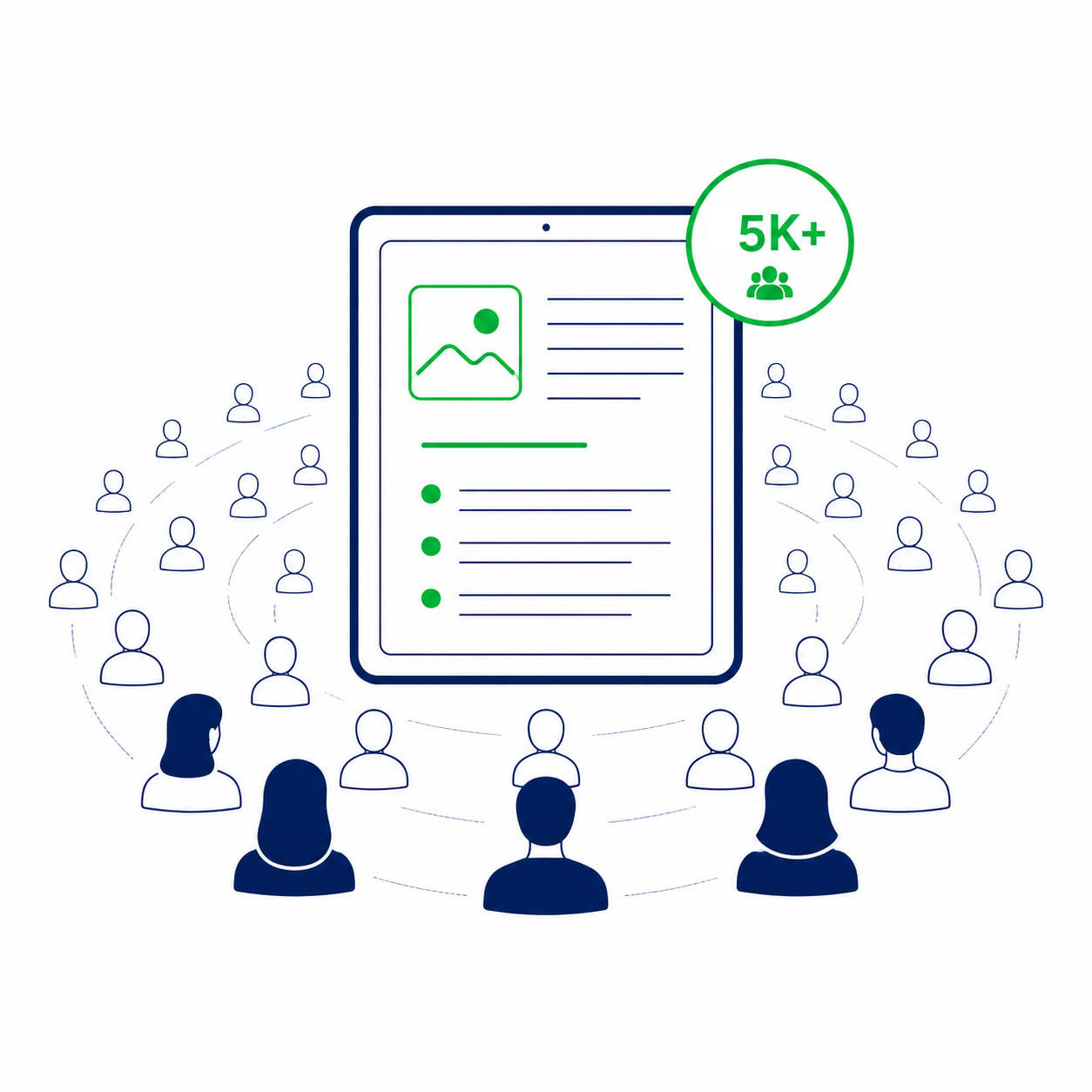
Up to 5,000 viewers
Run trainings, town halls, lectures, conferences, and remote programs where thousands need the same readable material at once.
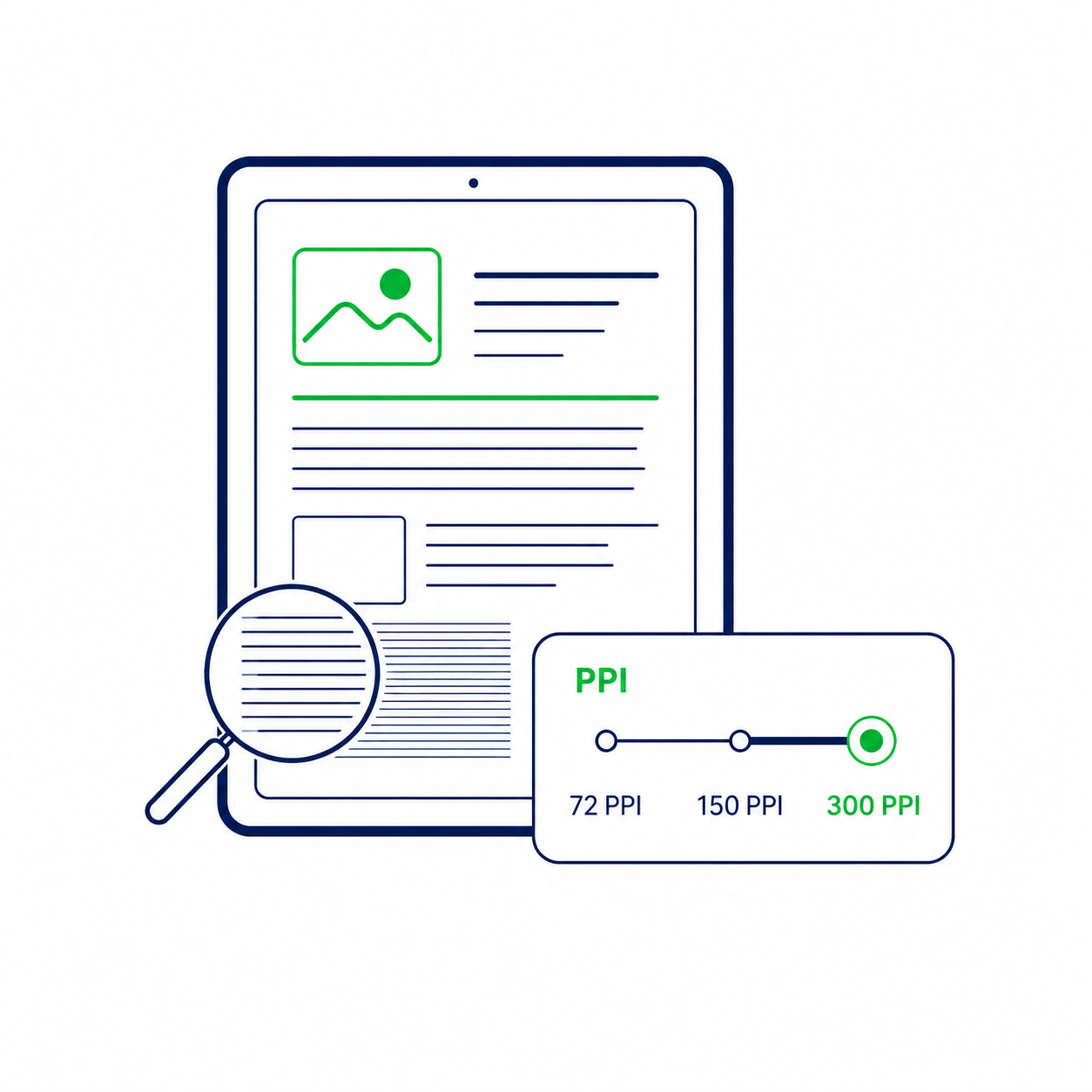
Configurable quality
Set rendering quality as high or as lean as the event requires, from dense scans and fine print to lighter everyday documents.
Fully prepared
Business documents can be processed before go-live instead of waiting for page detail to lazy-load during the session.
Your next presentation, in sync.
Free to download. Free to present your first sessions. Upgrade only when you need more.